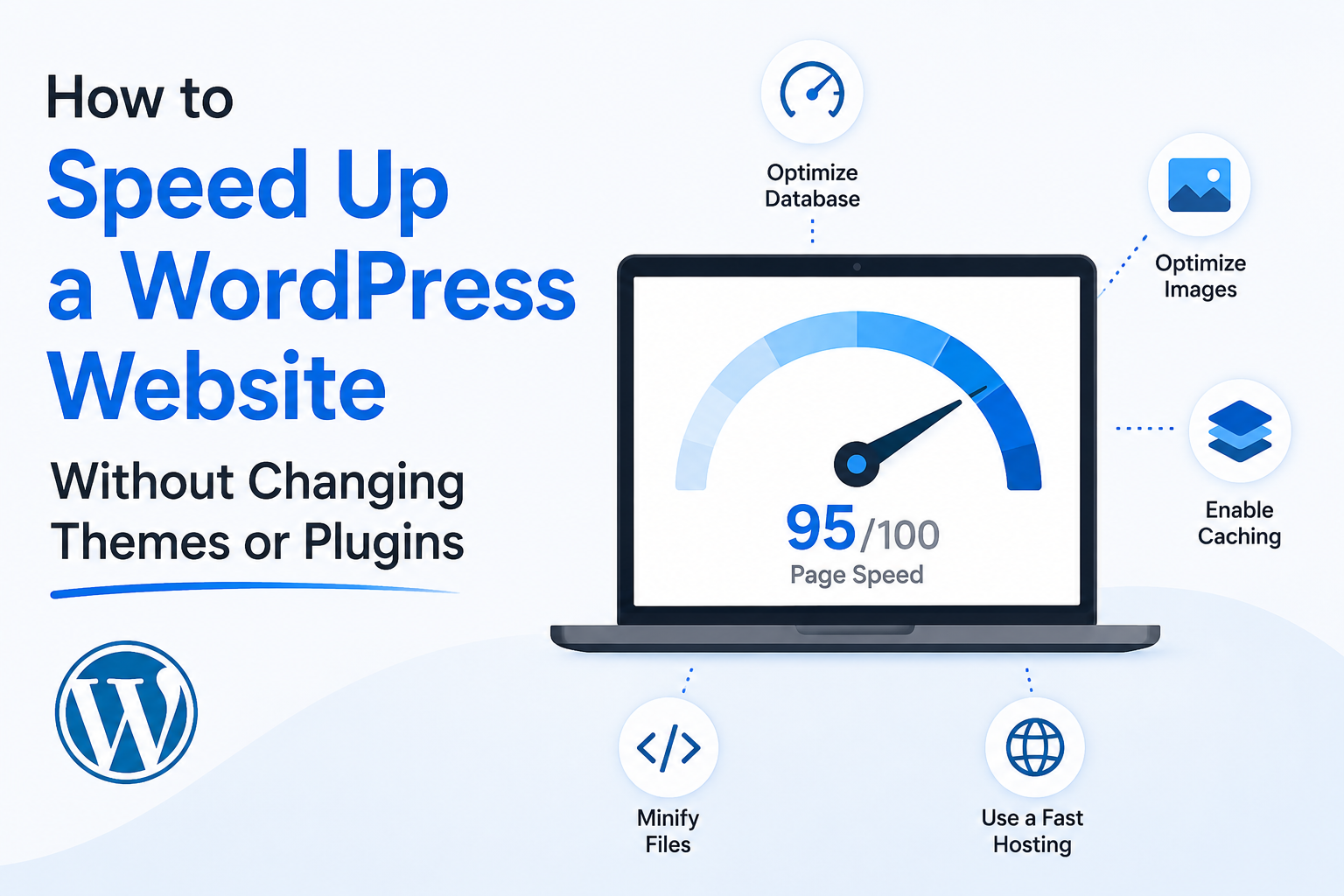
For a fast WordPress website, utilise fast hosting, optimise images, enable cache, remove unneeded plugins, update themes, use a CDN, and improve Core Web Vitals. Website speed is also heavily influenced by hosting.
Slow WordPress website might lead to fewer leads, sales and rankings.
People often assume they need to modify the whole website design. But in many cases, you may boost speed without changing the theme or plugins.
1. Choose Fast WordPress Hosting
Hosting is one of the greatest considerations for speed. If your server is slow, your website will be slow.
A excellent WordPress hosting package can improve the loading speed, uptime and performance.
2. Optimize Images
Big graphics slow websites down. Adjust image size before uploading.
WebP format is possible for contemporary formats.
3. Enable Website Caching
Caching saves sections of your website so it loads quicker for users.
This is incredibly helpful for WordPress websites.
4. Remove Unused Plugins
Too many plugins can slow your website down. Eliminate unneeded plugins.
Keep only useful and updated plugins.
5. Keep WordPress Updated
Older versions of WordPress, themes and plugins might cause speed and security issues.
And frequent upgrades help keep the site stable.
6. Use a CDN
A CDN makes your website faster to distribute to users in different areas.
This is useful if your audience is from different cities or nations.
7. Improve Core Web Vitals
Core Web Vitals are signals of performance and user experience.
Key areas include:
- Largest contentful paint
- Interaction to next paint (INP)
- Total layout shift
Getting better at these can be good for users and SEO.
8. Reduce Heavy Scripts
Extra scripts from adverts, monitoring tools, chat widgets and useless features might slow the site down.
Get rid of what is not needed.
9. Use SSL and Secure Hosting
Speed and security are equally important. SSL, backups, and server protection make up a decent hosting arrangement.
Conclusion
You don’t always have to overhaul your WordPress website to make it faster. Start with hosting, caching, image optimisation, plugin removal, Core Web Vitals upgrades.
iWebHost India offers WordPress hosting solutions engineered for speed, stability and commercial performance.
FAQs
Why is my WordPress website slow?
Large graphics, too many plugins or hefty scripts and bad hosting can make your website slow.
Does hosting affect WordPress speed?
Yes, hosting directly affects the speed of your WordPress website.
Can speed improve SEO?
Yes, quicker websites are better for user experience and for supporting SEO performance.
Lorem ipsum dolor sit amet, consectetur adipiscing elit, sed do eiusmod tempor incididunt ut labore et dolore magna aliqua. Ut enim ad minim veniam, quis nostrud exercitation ullamco laboris nisi ut aliquip ex ea commodo consequat.







 Email Solutions
 Cloud Hosting
 Servers
 Security & Backup